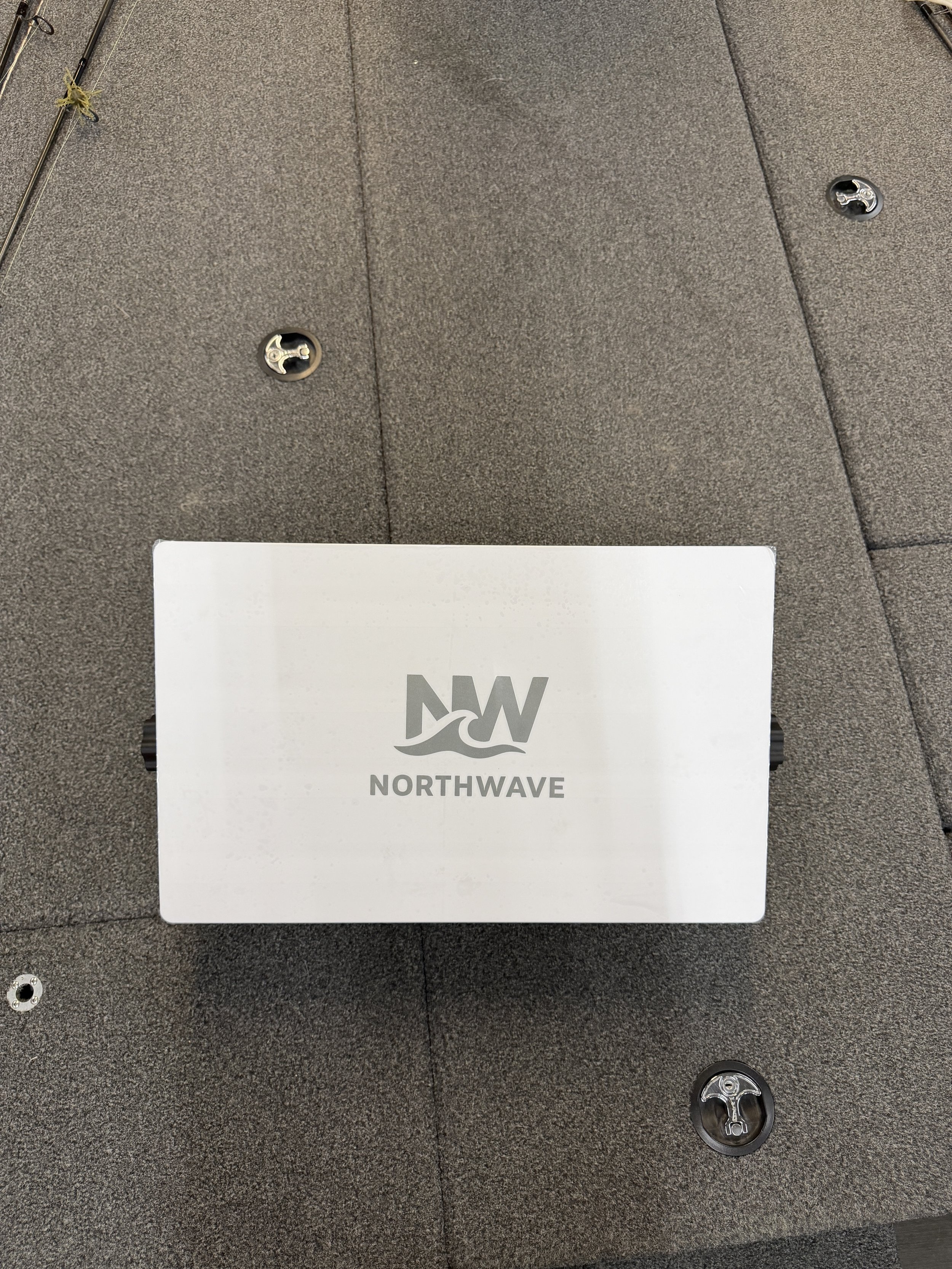
 Image 1 of 3
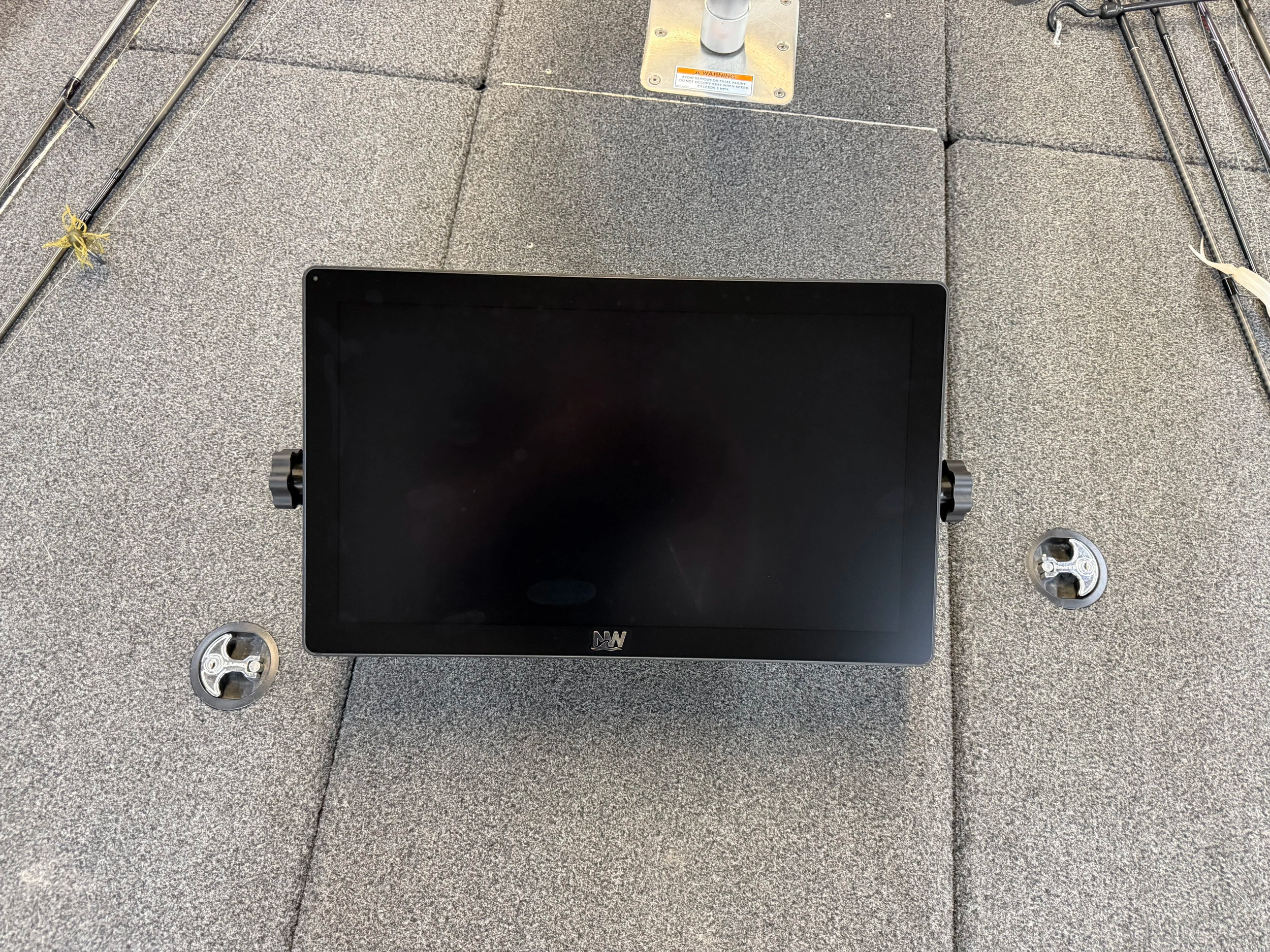 Image 2 of 3
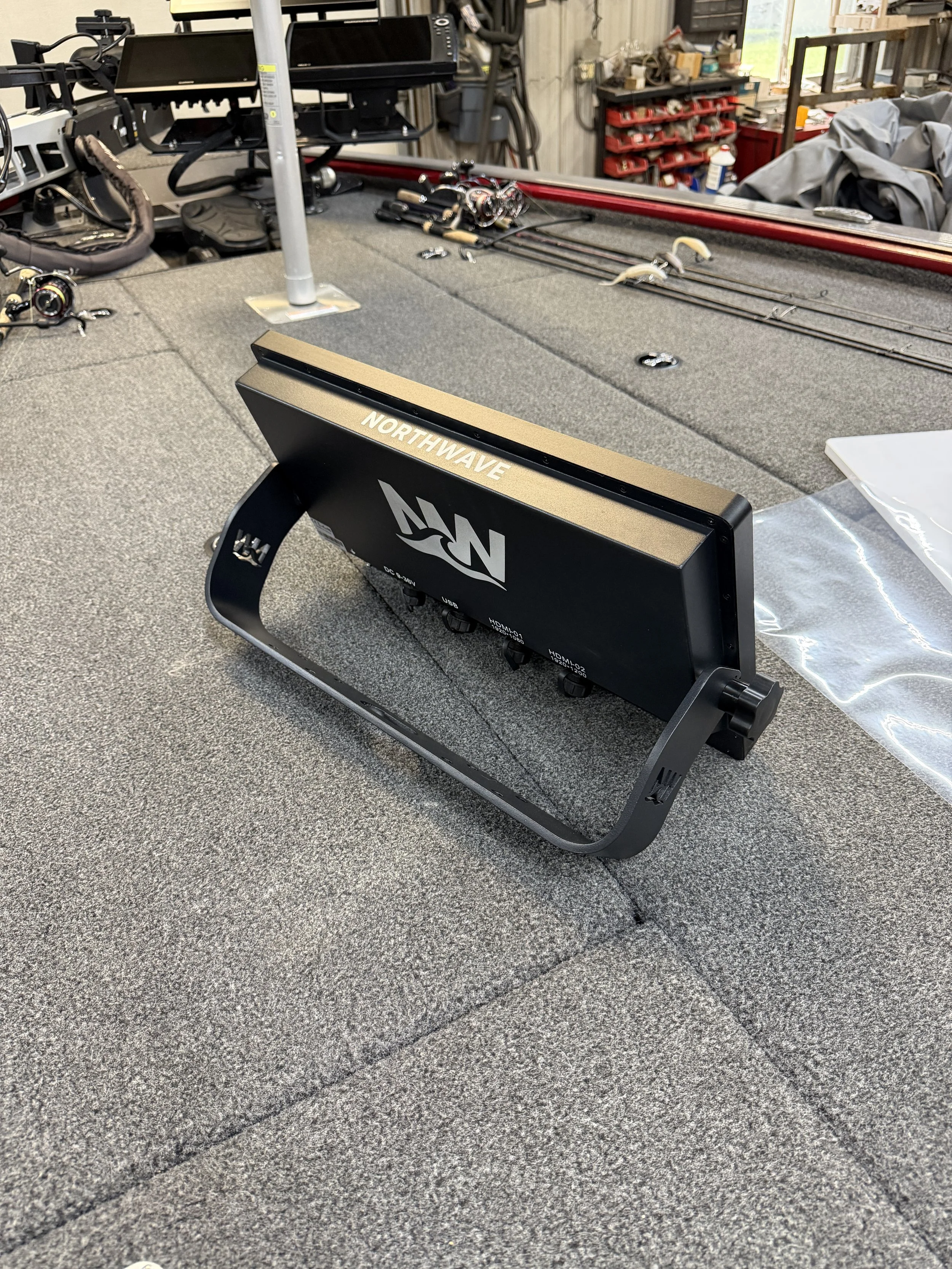 Image 3 of 3
Upgrade Your Fishing Boat With a NorthWave Marine LITE 16-Inch Garmin Mirror Display
Your best fishing moments often happen away from the helm. You may be at the bow, watching your sonar screen, checking underwater features, or getting ready for your next cast. NorthWave Marine helps you bring your main Garmin display into view from another spot on your boat with the NorthWave Lite 16. This marine mirror display shows the screen from a compatible Garmin unit on a larger secondary display, giving you more freedom to plan your fishing setup.
A 16-inch marine display can be a useful choice for anglers who want a larger viewing area without adding another main head unit. You keep your compatible Garmin unit as the source of the screen content and use the mirror display to view that same content elsewhere on the boat. This gives you a practical way to expand your screen setup while keeping your existing fishing electronics at the center of your system.
For anglers who spend long periods moving between the helm and the bow, screen placement can make a real difference. You can plan your setup around the places where you need to see your Garmin screen most. The aim is to make your existing fishing information easier to view without making your boat layout harder to manage.
Northwave Lite 16 Gives Your Fishing Setup More Viewing Space
Choosing the right screen is about more than size. It is also about how easily you can view your fishing information from the place where you spend your time. The Northwave Lite 16 is designed for anglers who want a larger secondary view of their compatible Garmin display. It can suit boat owners who want to check their screen from the bow or another suitable mounting location.
Rather than adding a separate fishfinder system at every position, screen mirroring lets you view content from your main Garmin unit on another display. This can help you plan a cleaner setup around the equipment you already use. Before choosing your display, consider the space available on your boat, your viewing distance, and the connection requirements of your Garmin unit.
Think about how you fish during a normal trip. If you spend much of your time casting from the bow, a secondary display in that area could make it easier to view the information shown on your main screen. If you fish from different positions, consider which mounting spot offers the most useful view. A little planning can help you choose a screen that fits both your boat and your routine.
Is a 16 Inch Monitor for Garmin LiveScope Right for Your Boat?
Anglers who use Garmin LiveScope often want a clear view of the information shown on their compatible Garmin display. A 16-inch monitor for Garmin LiveScope may suit a setup where the goal is to view the main Garmin screen from another location on the boat.
NorthWave Marine focuses on mirroring compatible Garmin screens rather than providing a separate LiveScope sonar system. Your supported Garmin unit remains the source of the displayed information. The mirror screen shows that content, so compatibility with your exact head unit and planned connection is essential. Check your Garmin model and the NorthWave Marine compatibility guide before ordering. This helps you confirm that the display suits your equipment and intended setup.
A larger mirrored view can be useful if you want to see the screen while fishing away from the helm. However, the display does not replace the Garmin unit or create its own sonar data. Your current equipment and the supported connection determine what appears on the secondary screen. Check these details before choosing your monitor.
Built for Marine Use and Clear Screen Viewing
Boat electronics need to suit the conditions found on the water. NorthWave Marine mirror displays feature waterproof construction designed for marine use. The Northwave Lite 16 gives anglers another way to view their compatible Garmin screen while keeping their main unit at the helm.
If you are searching for a 16-inch waterproof touchscreen monitor, check the product specifications carefully before choosing a display. Waterproof protection, touch input, and screen mirroring are different features. Do not assume a monitor has touchscreen controls unless the product details confirm them. Review the Northwave Lite 16 specifications to understand its supported features, connection needs, and installation requirements.
A good display choice starts with clear information. Check the mounting location, viewing angle, and cable routing before planning your setup. These details help you decide whether the screen will fit your boat and remain easy to view during a fishing trip. Also, make sure the chosen location gives you a useful view without getting in the way of your fishing space or other onboard equipment.
Check Garmin Compatibility Before You Buy
Not every Garmin fishfinder or chartplotter supports every mirror display. NorthWave Marine supports selected Garmin GPSMAP models, including units from the 12x3, 15x3, and 16x3 series, selected 8400 and 8600 series models, and the 9000 series. Support also includes compatible ECHOMAP Ultra 2 models, subject to the exact model and setup.
Before you order the Northwave Lite 16, find the model name of your current Garmin unit and compare it with the supported equipment listed in the NorthWave Marine compatibility guide. Check the required connections and review the installation guide as well. If you are unsure about your setup, contact NorthWave Marine for help before making your choice.
Taking these steps can help you select a display that works with your existing electronics and suits the layout of your boat. It also helps you plan the installation before you begin, rather than finding out later that your equipment needs a different connection or setup.
Make More Room for the Fishing Information You Need
Your main Garmin screen should fit the way you fish. If you spend time at the bow and want a larger view of your existing electronics, a compatible mirror display can give you another viewing point without requiring a separate main head unit at that location. NorthWave Marine helps anglers plan more flexible fishing boat setups with marine mirror displays built for compatible Garmin systems. The Northwave Lite 16 offers a practical option for boat owners who want a larger secondary screen and a clear view of their main Garmin display. A well-planned screen setup starts with knowing what you need from it. Think about where you fish, which Garmin unit you own, and how much room you have for a secondary display. These simple checks can help you make a choice that suits your boat and supports the way you use your fishing electronics.
Ready to improve your fishing boat setup? Visit NorthWave Marine to review the Northwave Lite 16, check Garmin compatibility, and read the installation guide. If you need help choosing the right display, contact our team before ordering. We can help you review your options and plan your next screen upgrade with confidence.
Frequently Asked Questions
-
A 16-inch marine display gives anglers a larger viewing area for compatible Garmin screen content, helping them check fishing information from another suitable location on their boat.
-
Yes, if your Garmin unit and connection are supported. NorthWave Marine mirror displays show content from compatible Garmin equipment rather than generating separate sonar data.
-
The Northwave Lite 16 features waterproof construction designed for marine use. Review its product specifications and installation requirements to confirm it suits your boat and setup.
-
No, a mirror display shows content from your compatible Garmin unit. Your main unit continues to provide the sonar or chart information shown on the secondary screen.
-
Find your Garmin model number and compare it with NorthWave Marine’s compatibility guide. Review connection and installation requirements, or contact the team for setup guidance.