Big Screen, real Clarity.
-
GPSMAP1223XSV
GPSMAP1523XSV
GPSMAP1623XSV
GPSMAP8410
GPSMAP8412
GPSMAP8416
GPSMAP8610
GPSMAP8612
GPSMAP8616
GPSMAP 9000 SERIES
ECOMAP ULTRA 216 without touchscreen
Get Your Garmin Screen Setup Right With the NorthWave Marine Compatibility Install Guide
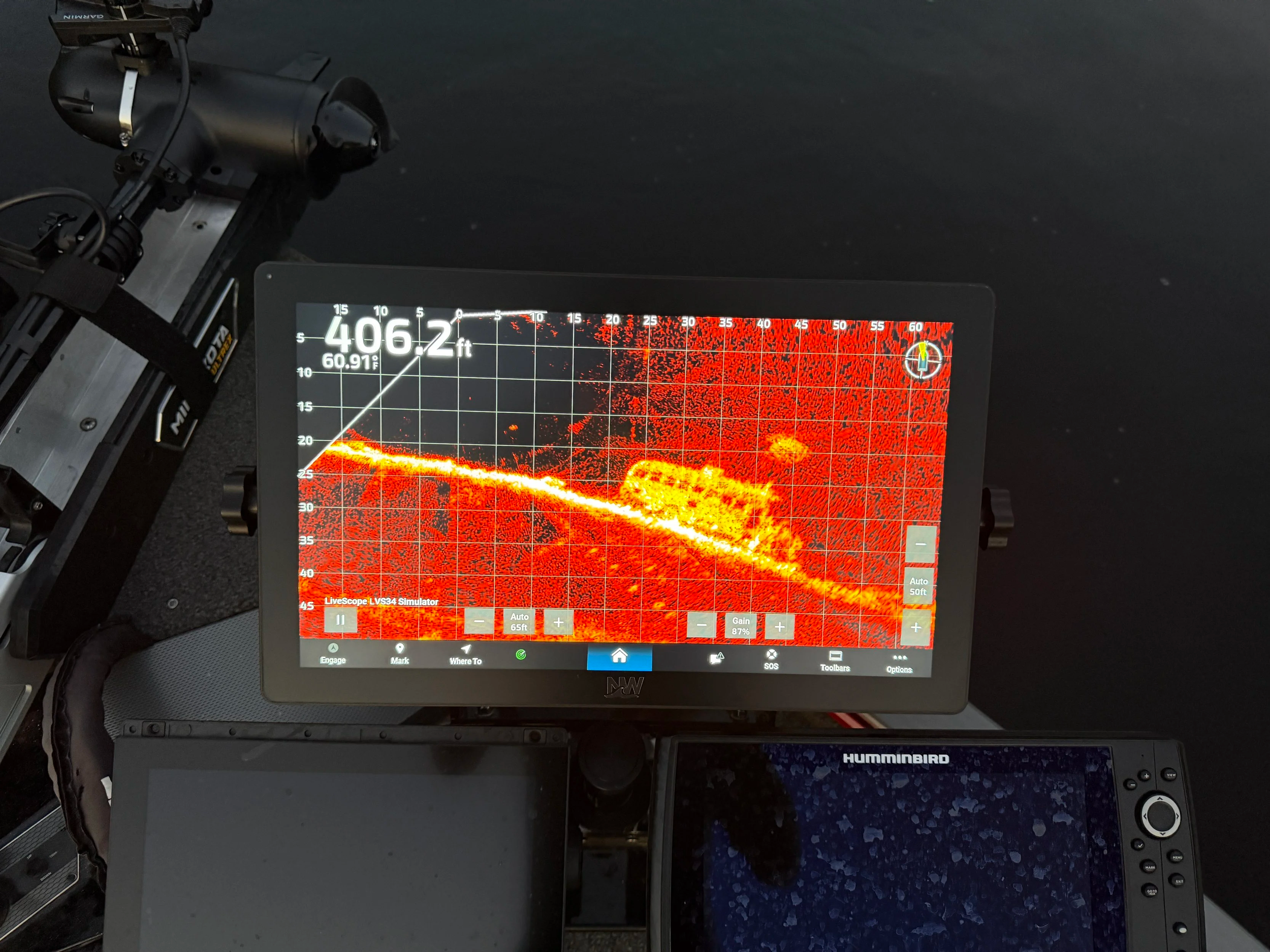
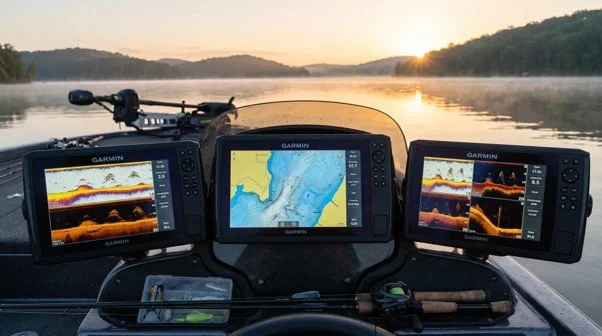
A larger screen only helps if it works with your boat electronics. For anglers who rely on Garmin sonar and LiveScope, the key question is not just which monitor looks best. It is whether the monitor can show the content from the exact Garmin unit already installed on the boat. NorthWave Marine helps anglers make that decision with mirror displays designed for supported Garmin systems.
A mirror display gives you another place to view the screen from your main Garmin unit. This can be useful if you fish from the bow but keep your main electronics at the helm. You can plan your setup around the way you move across the boat, the screen size you prefer, and the space available for mounting. The goal is to make your existing screen easier to view, not to replace the Garmin equipment that supplies the information.
Match Your Garmin Model to the Display Before You Buy
Compatibility starts with the full model name of your Garmin unit. Two devices from the same product family can have different ports, features, or connection needs. Checking only the brand name or screen size is not enough to confirm that a mirror display will work with your system.
NorthWave Marine supports selected Garmin GPSMAP models, including the 8616, along with certain models from the 12x3, 15x3, and 16x3 series, selected 8400 and 8600 series units, and the 9000 series. Compatible ECHOMAP Ultra 2 models may also be supported, depending on the exact unit and setup. Use the official NorthWave Marine compatibility guide to check your model and its connection requirements before choosing a display.
This step matters because a mirror display depends on the supported connection to your main unit. Confirming the details first helps you avoid buying a screen that cannot connect to your current electronics. It also gives you a clearer plan for mounting and cable routing before installation begins.
Garmin 8616 and LiveScope: What Should You Confirm?
If you want a LiveScope display compatible with Garmin 8616, begin by confirming the exact GPSMAP 8616 setup and the connection method listed in NorthWave Marine’s guide. The 8616 is among the selected GPSMAP models supported by NorthWave Marine, but the full setup still needs to match the listed requirements.
A mirror screen can show the Garmin screen content available through a supported connection. That may let you view a LiveScope screen from another place on the boat, depending on your system configuration. The Garmin unit remains responsible for processing and providing the sonar information. The mirror display does not act as an independent LiveScope sonar unit or create its own sonar readings.
Before ordering, check the model, connection details, and intended display location together. If you are unsure which connection your setup needs, contact NorthWave Marine with your Garmin model information. This helps you get guidance based on your equipment instead of relying on assumptions about compatibility.
Plan a Bass Boat Electronics Install Around How You Fish
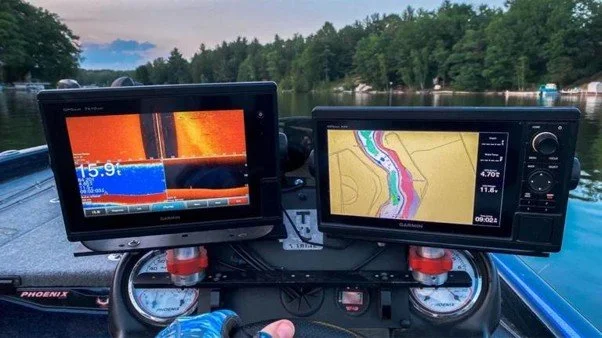
A useful bass boat electronics install begins with the way you use your boat. If you cast from the front deck, you may want a mirrored screen near the bow. If you spend more time at the helm, another location may make more sense. Your display should fit your fishing routine without blocking movement or taking up space you need for other gear.
Start by measuring the intended mounting area and checking your preferred viewing angle. Think about cable routing, access to the connection points, and the instructions for your selected display. Plan these details before fixing the screen in place. A well-planned setup can help you avoid awkward viewing angles and unnecessary changes after installation.
Do not assume every boat needs the same layout. The best location depends on your deck space, existing electronics, and how you move while fishing. NorthWave Marine’s compatibility and installation information can help you review the requirements before you begin. For connection questions, confirm the setup with the team rather than guessing.
Turn the Compatibility Guide Into a Clear Buying Decision
Use the NorthWave Marine guide as a checklist, not just a list of model names. First, identify your exact Garmin unit. Next, check whether it appears in the supported models and review the connection instructions. Then compare the available mirror displays based on screen size, mounting space, and where you need to view the Garmin screen.
NorthWave Marine offers the Lite, Wave, and Max display options for anglers who want a secondary view of compatible Garmin screen content. Compare the product specifications before choosing. Screen size is only one part of the decision; the display must also suit your supported system and planned location.
Taking these steps makes the buying process clearer. You can understand what the display is designed to do, what equipment it needs, and how it may fit into your boat before placing an order.
Choose Your NorthWave Marine Display With Confidence
Your screen setup should support the way you fish, not make your electronics harder to use. The right mirror display can give you another view of your compatible Garmin screen while keeping your main unit as the source of your fishing information. The key is to confirm compatibility and plan the installation around your boat.
Visit NorthWave Marine to review the compatibility and installation guide, check your Garmin model, and compare the available displays. If you need help with a specific unit such as the GPSMAP 8616, contact the team before ordering. Start with the right information, choose a display that fits your setup, and plan your next screen upgrade with confidence.
Frequently Asked Questions
-
Find your exact Garmin model and compare it with NorthWave Marine’s compatibility guide. Review the listed connections and installation requirements before choosing your display.
-
Yes, a compatible mirror display can show supported Garmin screen content, including LiveScope views, through the correct connection. Your main Garmin unit remains the source of sonar data.
-
NorthWave Marine lists the GPSMAP 8616 among selected supported models. Check the compatibility guide for your exact setup and connection requirements before ordering a mirror display.
-
Check your Garmin model, mounting space, viewing angle, and cable route. NorthWave Marine’s installation guide can help you review display requirements before setting up your boat.
-
Compare the Lite, Wave, and Max options based on screen size, available mounting space, viewing needs, and Garmin compatibility. Review product details before making your choice.